


Ausmed is a Trusted Information Partner of Healthdirect Australia. Verify here.


© 2026 Ausmed Pty Ltd (ABN: 33 107 354 441)
For residential providers with several homes, each run by its own manager. Write the training plan once and every home picks it up. Each manager works their own home's list, and head office compares the homes side by side each month.
Book a walkthroughWith five homes, each with its own manager and roster, head office asks who is overdue and gets five answers, pulled from five spreadsheets and a pile of paper sign-off sheets. Ausmed puts every home on the same training plans, assigned by role and location, and gives each manager the list for their own home.

Every home’s manager keeps a list of who needs what, and no two lists match.
Write the training plan once, by job role and location. A care worker at any home gets the same requirements as soon as they are added.

Someone re-enrols a worker by hand when they move, and their history ends up in two places.
A worker who changes home picks up the new requirements without anyone re-entering them.

The same skill is signed off on a different form, against a different standard, at every home.
Run one competency at every home, with the same checklist and elements and the same rules on who can assess it.

Head office gets a report from each home and merges them in a spreadsheet before every board meeting.
The Team / Location Report compares every home side by side, month on month.

Head office emails a new policy to managers and hopes it reaches the floor.
Assign each policy by location. Staff acknowledge it by version, and you see who has read it at every home.

One facility manager runs monthly catch-ups, another runs none.
Organisation-wide templates in Ausmed Perform™ give every home the same review, and reports show which managers are behind.
Group staff by home, team and job role, either by hand or through user sync from your HRIS with job role, location and manager.
Assign it by job role and location, so a care worker at any home gets the same requirements as soon as they are added.
Each manager gets their own reminders for what is open, due and overdue at their home, and can send a reminder, give an extension or mark an item complete.
Operations sees the homes and teams side by side, and how each has moved since last month.
You assign training plans in Ausmed Learn™ by job role, team and location, and they repeat on a set frequency. Change the plan once and every home it applies to picks up the change.
When someone transfers to another home and HR updates their location in your HRIS, their requirements follow and their learning history stays with them.
If their training goes overdue, reminders escalate to their manager, who follows it up from the Workroom.
Discover Ausmed Learn™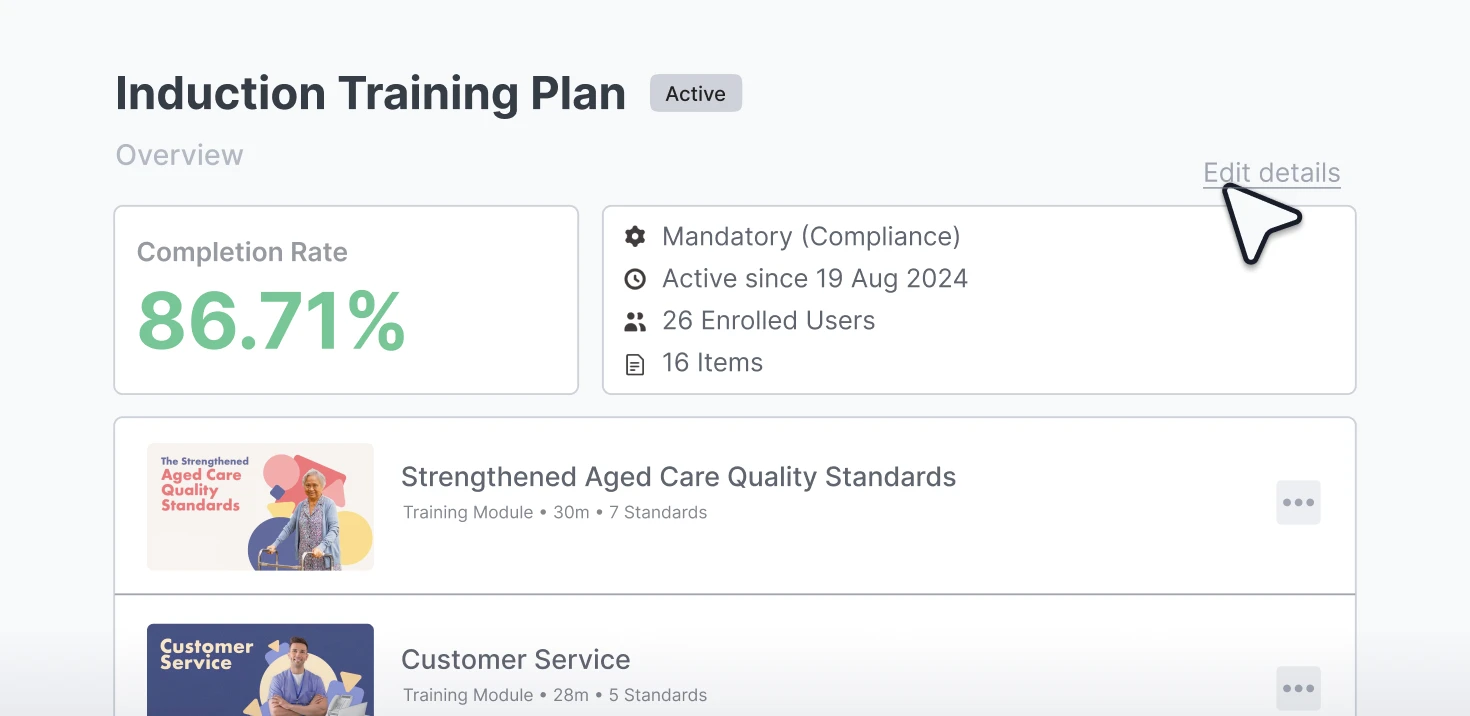
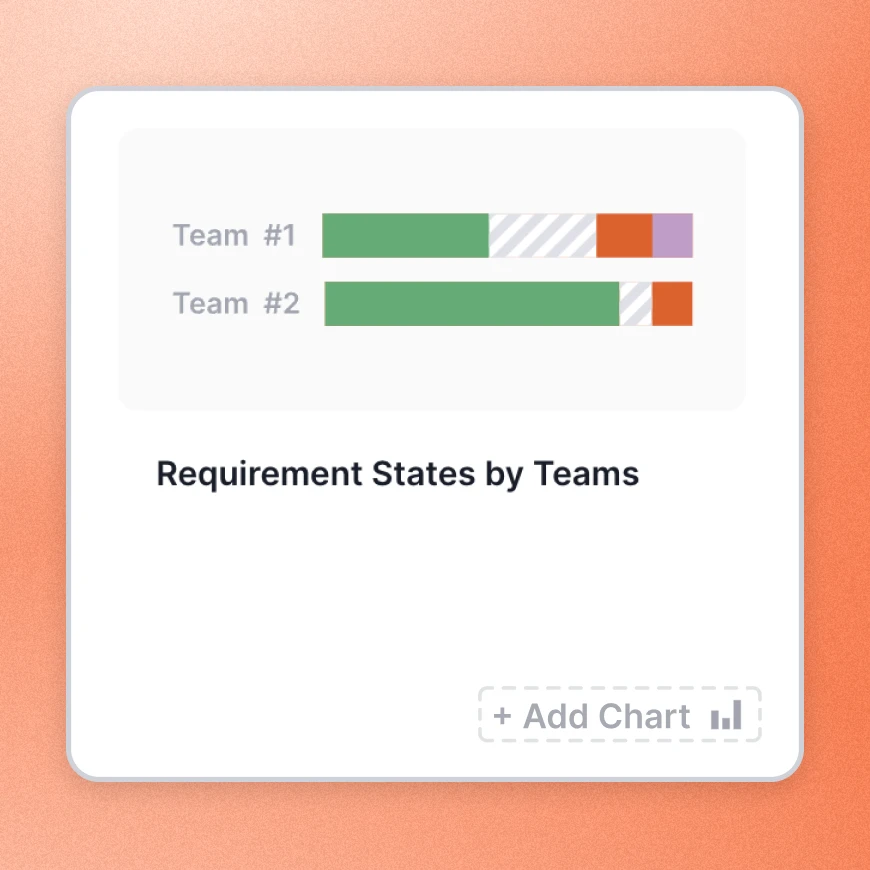
Ausmed Analytics™ generates the Team / Location Report for you, comparing each team or home month on month. A home that falls behind in March shows up in the March figures.
Export it to CSV or PDF for operations meetings and accreditation packs.
Discover Ausmed Analytics™The Regulatory Standards report maps learning records to the Strengthened Standards. Download it by team, job role, home or Standard, and see whether a gap under Standard 4 belongs to one home or to every home.
When one home is booked for audit, scope the Audit Report in Ausmed Analytics™ to that location. It shows the share of requirements met by job role and by item, and names the staff with anything outstanding.
Standards for residential care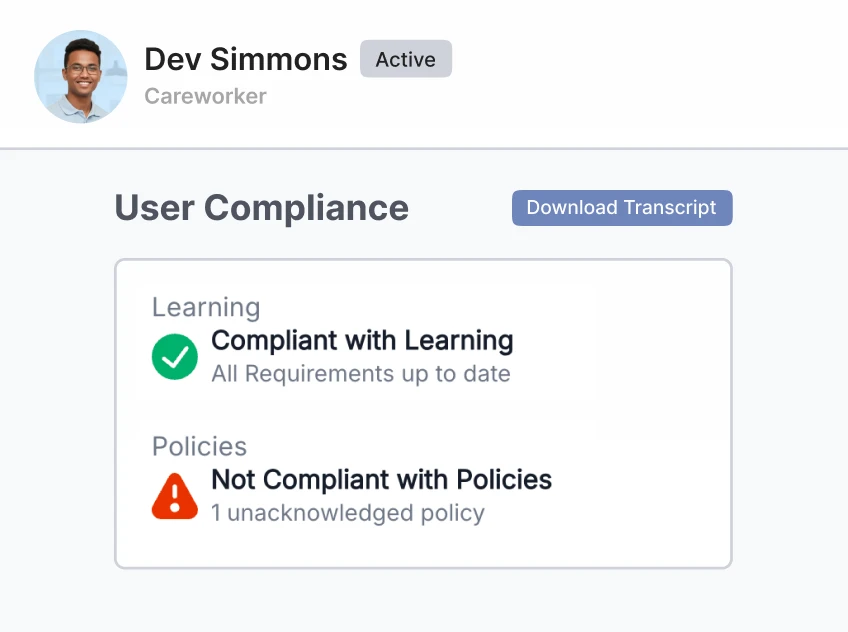
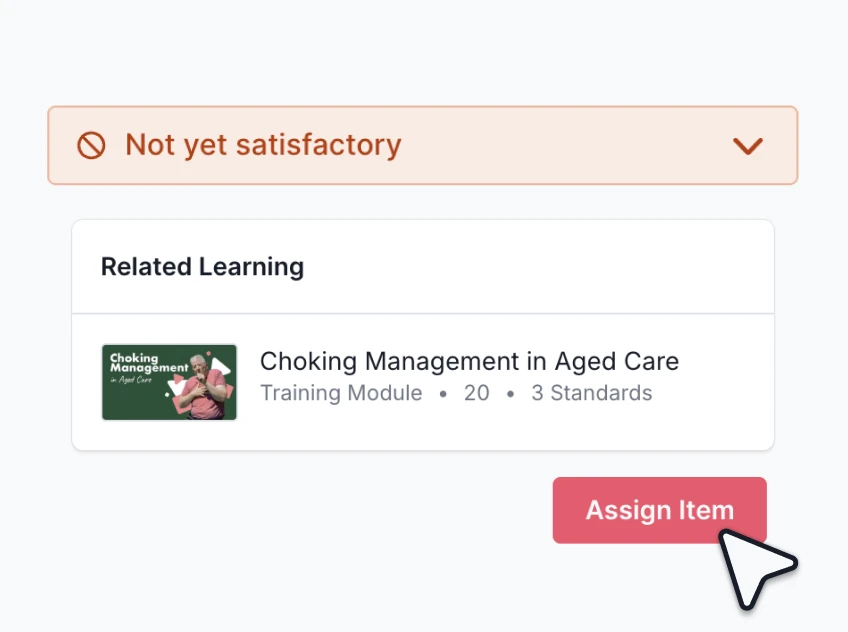
Run one competency at every home, with the same checklist and elements and the same rules on who can assess it. A manual handling sign-off at one home then means what it means at the others.
Assessors sign off on a phone or tablet at the home, and Ausmed holds the record centrally from the moment they submit it. Dashboards show who is competent and not yet competent by team, role or location.
Discover Ausmed Competency™Publish a policy once and assign it by team, role or location. Ausmed Policy™ records who acknowledged it, when, and which version, and reports acknowledgement by version across every home.
When it changes, the old version's records stay in its version history, and you can ask staff to acknowledge the new one.
Discover Ausmed Policy™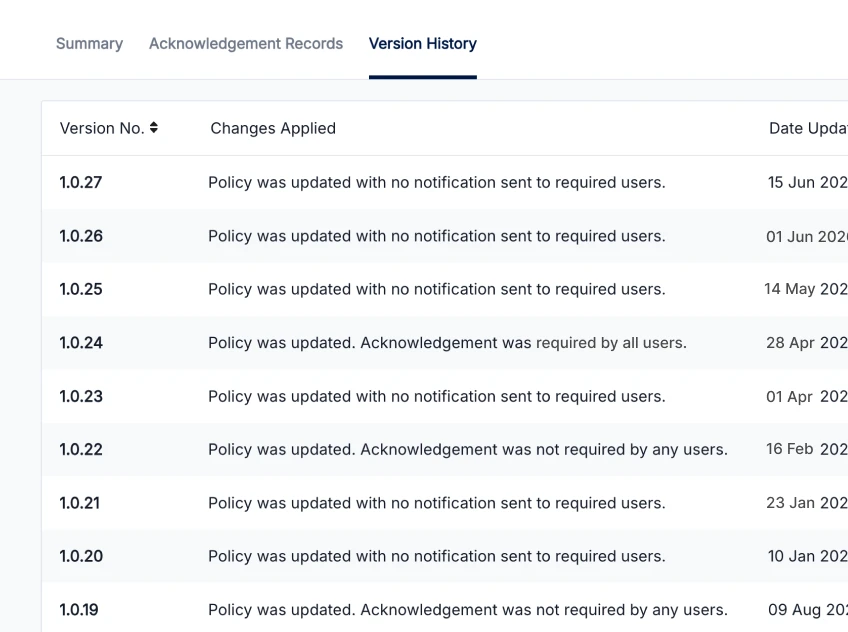
In Ausmed Perform™, organisation-wide templates and a shared question bank give every home the same review, and each program issues reviews on schedule with reminders.
Head office sees what is due and overdue at every home, with reports by location, manager and job role, so the managers who are behind show up.
Performance and supervision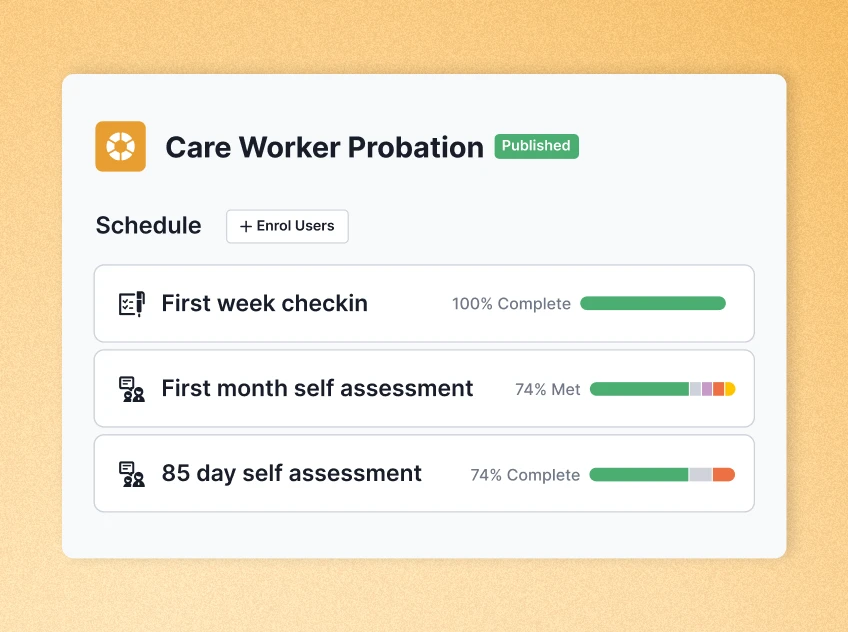

Baptcare took an all-of-organisation approach to education across its 16 aged care sites, and achieved four-star ratings across all of them (as at April 2025).
Readily available education for a diverse workforce moved its compliance rates from low to confident.
Read the Baptcare story
Completion and overdue figures, plus Standards coverage, for each home by team and role.
Compliance reporting
The board, the responsible person, and what the Act asks of both.
Executive and GovernanceFiona, Organisational Development Manager, Twilight Aged Care
Bring two of your homes, and we'll show you how they compare on one screen.
Yes. Managers work from their own location, team or reporting line and act on what is outstanding there. Head office sees every home.
Yes. You assign training plans by job role and location, so a home with a secure dementia unit can carry requirements the other homes don't.
Ausmed Learn™ can sync job role, location and manager from your HRIS, and add, move and remove users automatically. We scope integrations with you.
Yes. Set up home care teams and residential homes as separate locations with their own training plans, and report on them together or apart.
Ausmed is a Trusted Information Partner of Healthdirect Australia. Verify here.