

Ausmed is a Trusted Information Partner of Healthdirect Australia. Verify here.


© 2026 Ausmed Pty Ltd (ABN: 33 107 354 441)
Induction, probation and annual reviews run as programs in Ausmed, and new starters come across from your HRIS. Each worker's reviews sit beside their training and competency record when an assessor tests Action 2.9.7.
Book a walkthroughThe employment record is yours. The Commission reads it alongside the training record, so Ausmed keeps both against the same worker.

Ausmed enrols each new starter in the induction plan for their role the day they're added, so nobody waits on a manual set-up.

Checkpoints that open on schedule in Ausmed Perform™, and Ausmed keeps the manager's record of each one against the worker.

Review programs on the cycle you set, and Ausmed reports completion by manager for Action 2.9.7.

Add qualifications and training from before a worker joined as learning records, with the certificate uploaded, toward what Action 2.9.1 asks you to keep.

Enter starters, movers and leavers in your HRIS, and user sync carries them to Ausmed with their role, location and manager.

Managers and peers record feedback through the year, so a worker's good work is on their record as well as their gaps.
Ausmed Perform™ runs induction and probation as programs. Each checkpoint opens on schedule and the manager records the conversation against the worker, so nobody has to remember the date.
Organisation-wide templates for probation, annual review and capability check-ins mean every manager at every home runs the same review.
See performance and supervision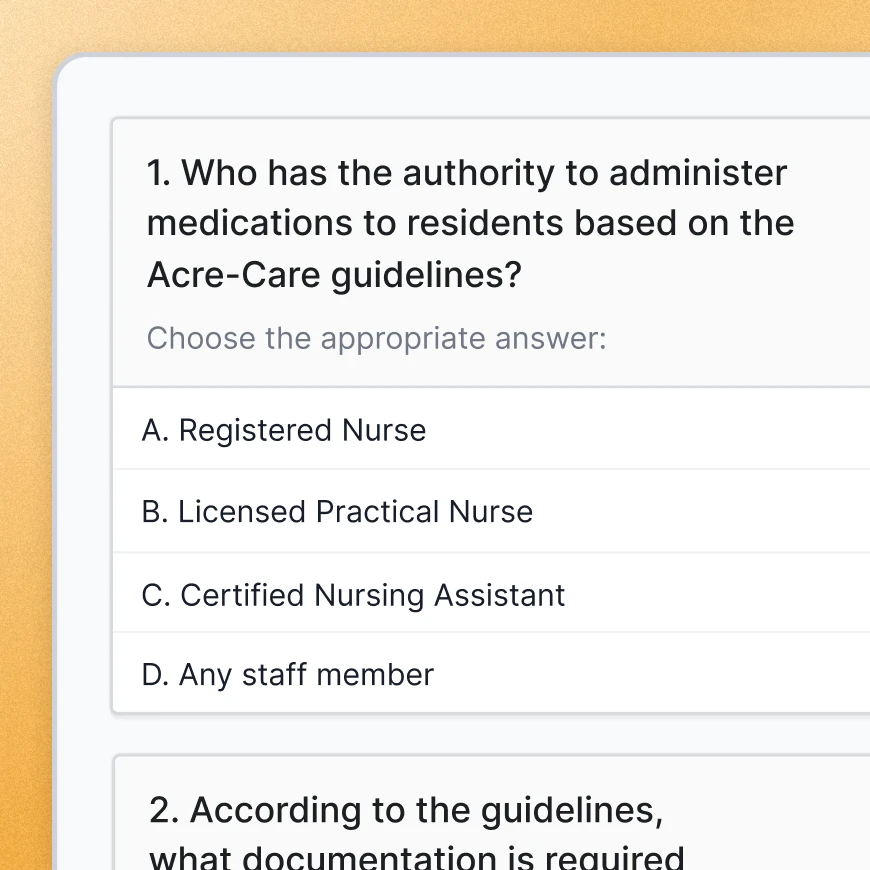
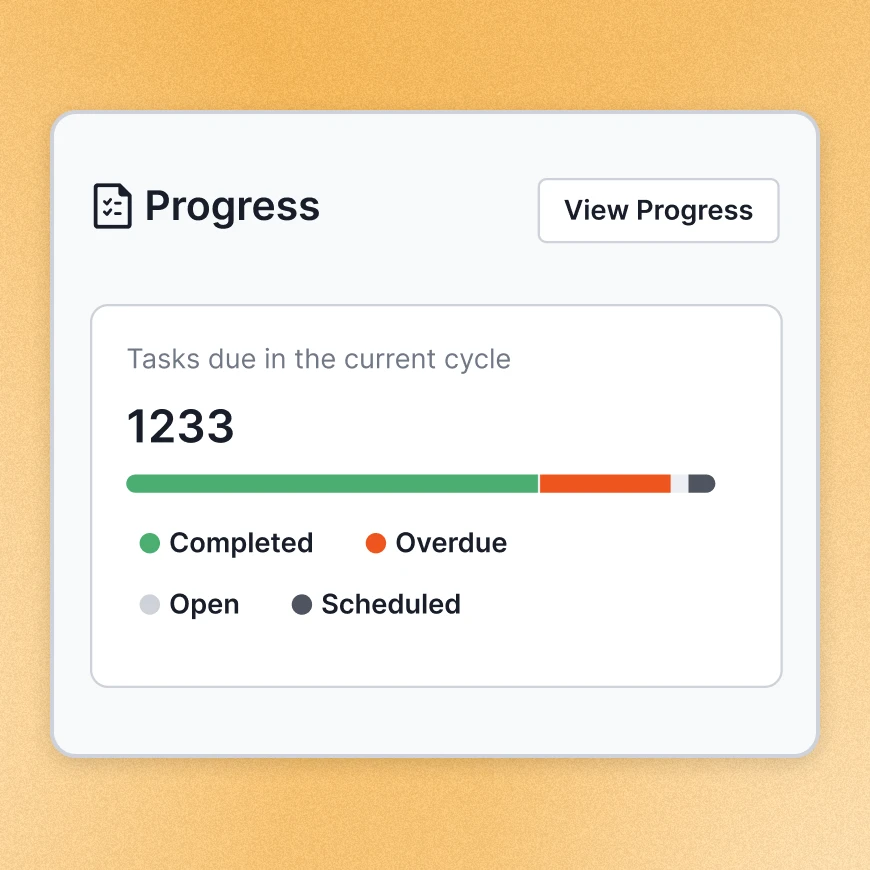
Review programs run annually, twice a year or quarterly. Managers and peers add feedback, you set and track goals for each worker, and reports show progress by team, location, job role and manager, with the evidence ready to export for audit.
One-on-one meetings sit in the same place, so the supervision conversations Action 2.9.3 asks for leave a record too.
See performance and supervisionUser synchronisation connects Ausmed to your HRIS, so job role, location and manager flow across. Ausmed adds, moves and removes users as they start, change roles and leave.
Each new starter lands in the training plans for their role without anyone in HR keying them in twice. Staff sign in through your own identity provider.
For paid training time, the Payroll Report exports completed learning matched to payroll-relevant fields.
Discover Ausmed Learn™
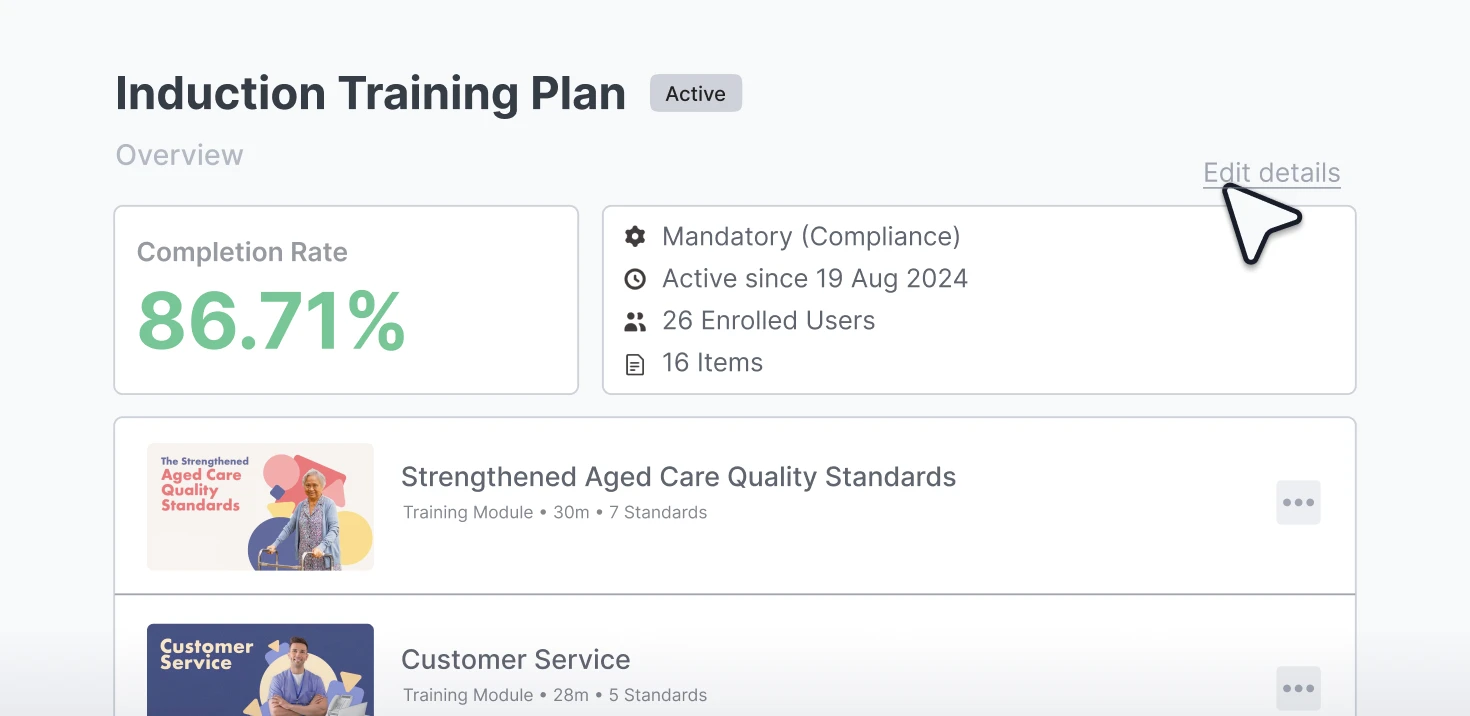
Induction is a training plan in Ausmed Learn™ that you assign to each new starter by role.
The requirement report shows where every new starter is up to. A home where induction is stalling shows up while the workers are still in their first weeks.
One large home care provider moved new staff from six weeks of onboarding to five to seven days after bringing induction onto Ausmed Learn™ and Ausmed Library™.
How learning management works
Assign induction and mandatory training by role and site from the day someone starts.
Learning management
Appraisals and probation reviews, with a record of each one.
Performance and supervision
Staff acknowledge every policy that applies to them, version by version.
Policies and proceduresMadelyn Dupriez, HR Administrator, Twilight Aged Care
Tell us which HRIS you run and where your probation reviews stall, and we'll be straight with you about the fit.
If your HRIS reviews are working and managers complete them, keep them. Perform suits providers where they aren't, or where the review sits apart from everything an aged care audit asks about the same worker.
In Perform, the review sits beside the worker's training, competency and policy records. Perform reports completion by team, location, job role and manager for Action 2.9.7.
Reviews held in Perform stay in Ausmed and don't write back to your HRIS.
Yes. A manager can add a learning record for training completed elsewhere, including before the person joined, or mark a requirement complete on the evidence. New starters don't go back through modules they've already done.
How much prior training you accept is your policy to set.
They move to inactive, and their learning history stays on file against the dates it applied to. If the Commission later audits a period they worked in, the record is still there, and you can download their full transcript.
Ausmed holds ISO 27001 certification for information security. Single sign-on through your own identity provider keeps access under your existing controls.
Ausmed is a Trusted Information Partner of Healthdirect Australia. Verify here.